Trading Academy
 Forex Glossary
 Trading Guides
 News
News Blog
Blog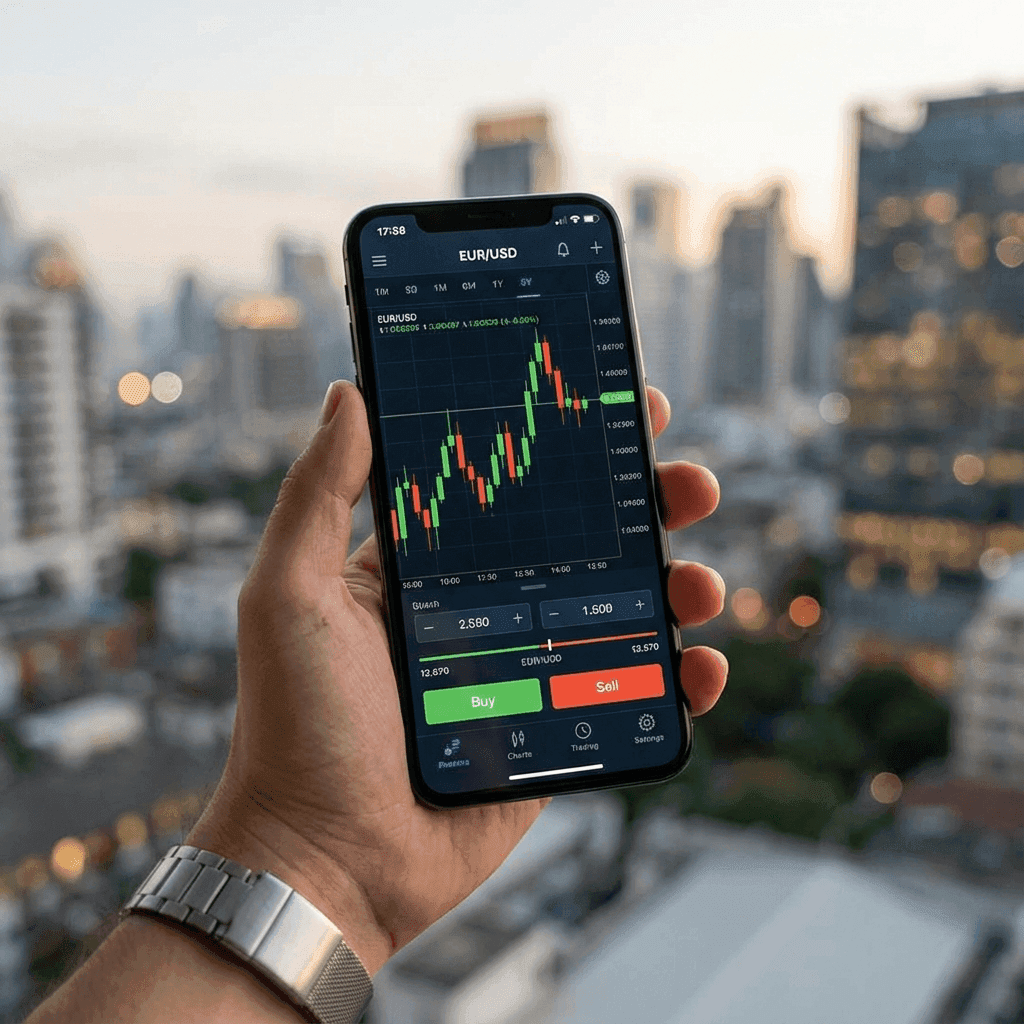





Key Takeaways
- Execution Only: Mobile phones are excellent for executing trades and managing positions, but poor for detailed technical analysis.
- The Combo: The pro setup is Analyzing on Desktop (TradingView) → Executing on Mobile (MT5/cTrader).
- Best Apps: Exness Trade sets the standard for UX, while MT5 remains the universal king of compatibility.
- Notifications: Push notifications for Price Alerts are the single most useful feature of mobile trading.
Table of Contents
The Mobile Revolution
You can now run a Hedge Fund from a beach in Bali using an iPhone. That is the promise.
Reality Check: Professional traders rarely initiate a trade idea on a phone. They use the phone to monitor the idea they hatched on a 32-inch monitor.
The Proper Workflow
Step 1 (Desktop): Sunday analysis. Mark Key Levels, Supply/Demand zones. Set Alerts.
Step 2 (Mobile): Wait for notification "EURUSD at Resistance."
Step 3 (Mobile): Open app. Check price action. Execute Buy/Sell. Set Stop Loss.
Step 4 (Life): Put the phone away.
Best Trading Apps 2026
We tested 50 apps. Here are the winners.
1. Exness Trade App
Fast, intuitive, and includes built-in TradingView charts. You barely need to leave the app.
2. MetaTrader 5 (Mobile)
Clunky and ugly, but it connects to 90% of brokers. It is reliable. The new "One Click Trading" update improves speed.
3. cTrader Mobile
Best for scalpers. "Smart Stop Out" logic and speedy execution make it a favorite for ECN traders.
Security on Mobile
- Biometrics: Always enable FaceID/Fingerprint.
- Public Wi-Fi: Never trade on airport Wi-Fi without a VPN. Hackers can intercept your login.
- 2FA: Enable Two-Factor Authentication for withdrawals.
Frequently Asked Questions
Does the MT4 app still work?
Yes, but Apple removed it from the App Store briefly in the past. MT5 is future-proof. We recommend migrating to MT5.
Data usage?
Trading apps use very little data (mostly text coordinates). Charting apps map images and use more. A standard 5GB plan is plenty.
For deeper comparison, review our best forex brokers, check individual broker reviews, use the Match Me to a Broker quiz, and calculate risk with the position size calculator.